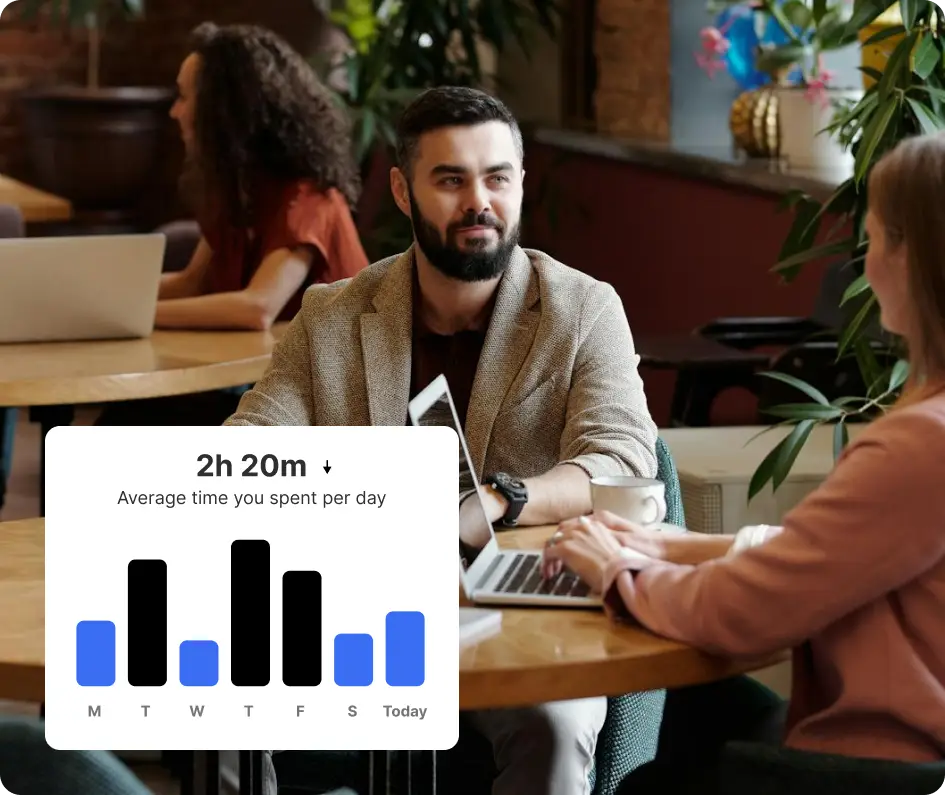




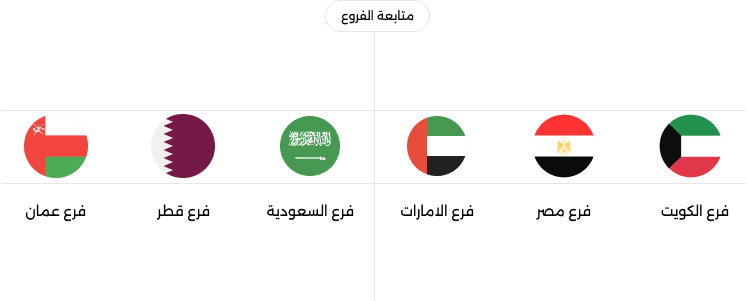
Connected locations
Review sales activity across stores through one central management view.


Connect store sales, ecommerce, inventory and accounting in real time with OSOSS, Manage every branch and review daily performance from one dashboard
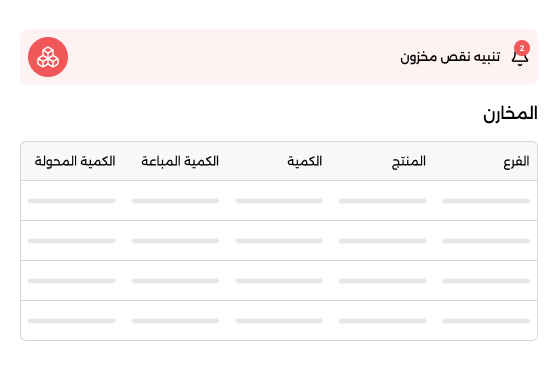
Smart inventory tracking with auto alerts
Real-time insights for smarter decisions
Personalized experiences with 360° tracking.
OSOSS POS is a cloud point of sale system that connects checkout sales, store locations, inventory, ecommerce and accounting in real time. Track daily performance from one dashboard while managing barcodes and product variants, with an iPad-designed app, print templates and a kitchen display system for relevant businesses.
Keep store sales, shared stock and ecommerce connected so your team can review operations across locations without switching between separate systems.
Review sales activity across stores through one central management view.
Product quantities stay updated in real time across stores and ecommerce.
Use connected sales and stock information to guide daily decisions.
Integrated solutions for in‑store sales, inventory tracking, and customer management – all in one platform. Perfect for retail stores, boutiques, pharmacies, Food and Beverage, and restaurants.
Key capabilities:

Review sales and inventory across locations from one dashboard. Stock updates in real time between stores and ecommerce
Key capabilities:
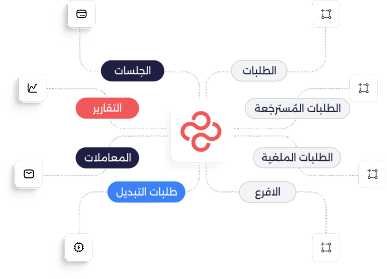
Scalable POS and ERP‑ready solutions built for complex workflows, high transaction volumes, and advanced operational needs.
Key capabilities:
Flexible mobile selling for exhibitions, events, delivery teams, and pop‑up stores – with full POS and inventory sync.
Key capabilities:

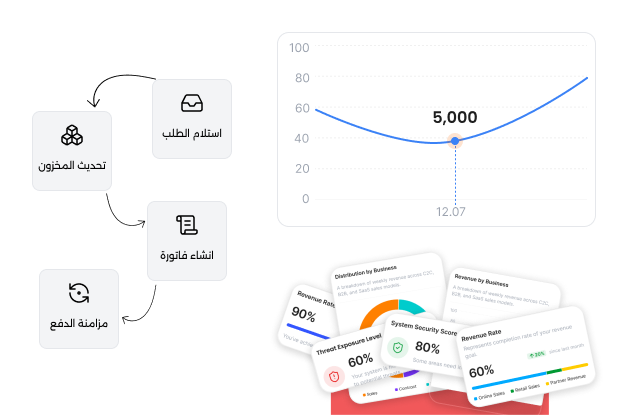
OSOSS POS brings cashier operations and product data together with features designed for the practical needs of retail and food businesses
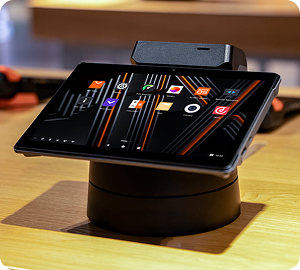
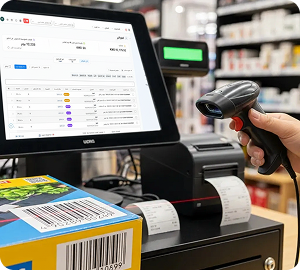
Run OSOSS POS on an iPad with barcode-enabled products, item variants and configurable print templates. Confirm the compatibility of external checkout accessories before choosing your setup.
Use the OSOSS POS app available from the Apple App Store, and verify your iPad model and operating system version.
Keep products organized with barcodes, sizes, colors and volumes so checkout teams can find items easily.
Set up print templates in OSOSS, and confirm support for your external printers before purchasing.
Check model-specific compatibility for external printers, barcode scanners and cash drawers before deployment
OSOSS connects retail checkout, ecommerce, inventory and accounting so every sales channel contributes to the same business picture




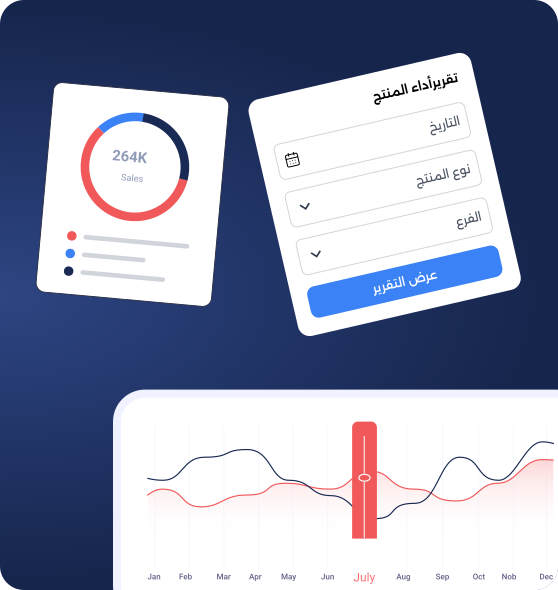
Get instant, continuous reports on sales, inventory, customers, and branches – all through a smart dashboard that helps you make data‑driven decisions.
Collect customer information automatically from POS, e-commerce, mobile apps, and invoices. Create a centralized customer database with purchase history, contact details, preferences, and engagement records to deliver personalized experiences and increase customer retention.
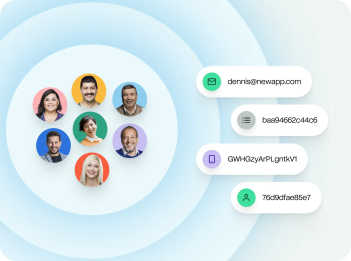
Launch flexible loyalty programs with points, rewards, cashback, tier memberships, and exclusive offers. Encourage repeat purchases, increase customer lifetime value, and build long-term customer relationships across all sales channels.
Analyze purchasing patterns, visit frequency, average order value, favorite products, and customer segments. Gain actionable insights to create targeted marketing campaigns, improve customer satisfaction, and maximize revenue opportunities.
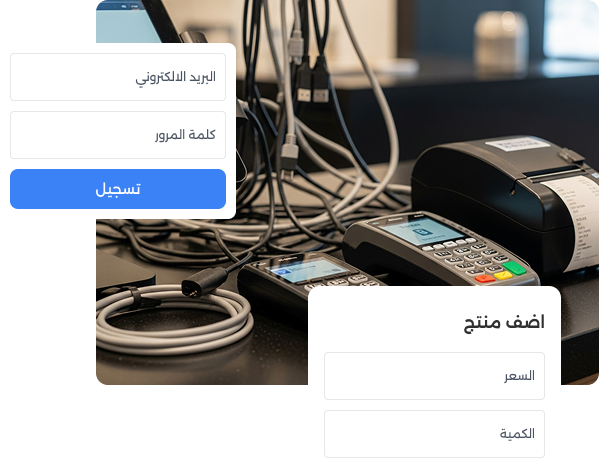
Identify the payment methods your business needs and review POS-specific compatibility with OSOSS before finalizing your checkout setup.
Start with your market and the payment methods customers expect.
OSOSS offers gateway integrations through its app marketplace. POS compatibility requires confirmation.
Verify the selected payment setup and any required devices before launch.
Get Started with POS
1
Create Your Business Account
Register your business and enter your basic company information to get started in minutes.

2
Configure Your POS and Products
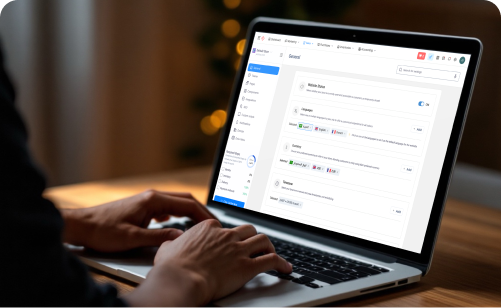
Add products, categories, prices, taxes, and payment methods. Connect your printer, barcode scanner, and cash drawer.

3
Go Live and Process Your First Sale
Create your account and business profile.
Add products, prices, and connect your devices.
Process orders, accept payments, and grow your business.
Discover how OSOSS connects point of sale with ecommerce and accounting so your retail operations stay visible from one dashboard
Explore the answers to common questions about checkout, inventory sync, store management, payments and device compatibility.