Create an Online Store Built to Attract Customers and Drive Growth
Turn your products into a shopping experience that feels unmistakably yours. Design without coding and manage online sales alongside your inventory, POS and accounting with OSOSS
Everything you need to build an online store and manage what happens next
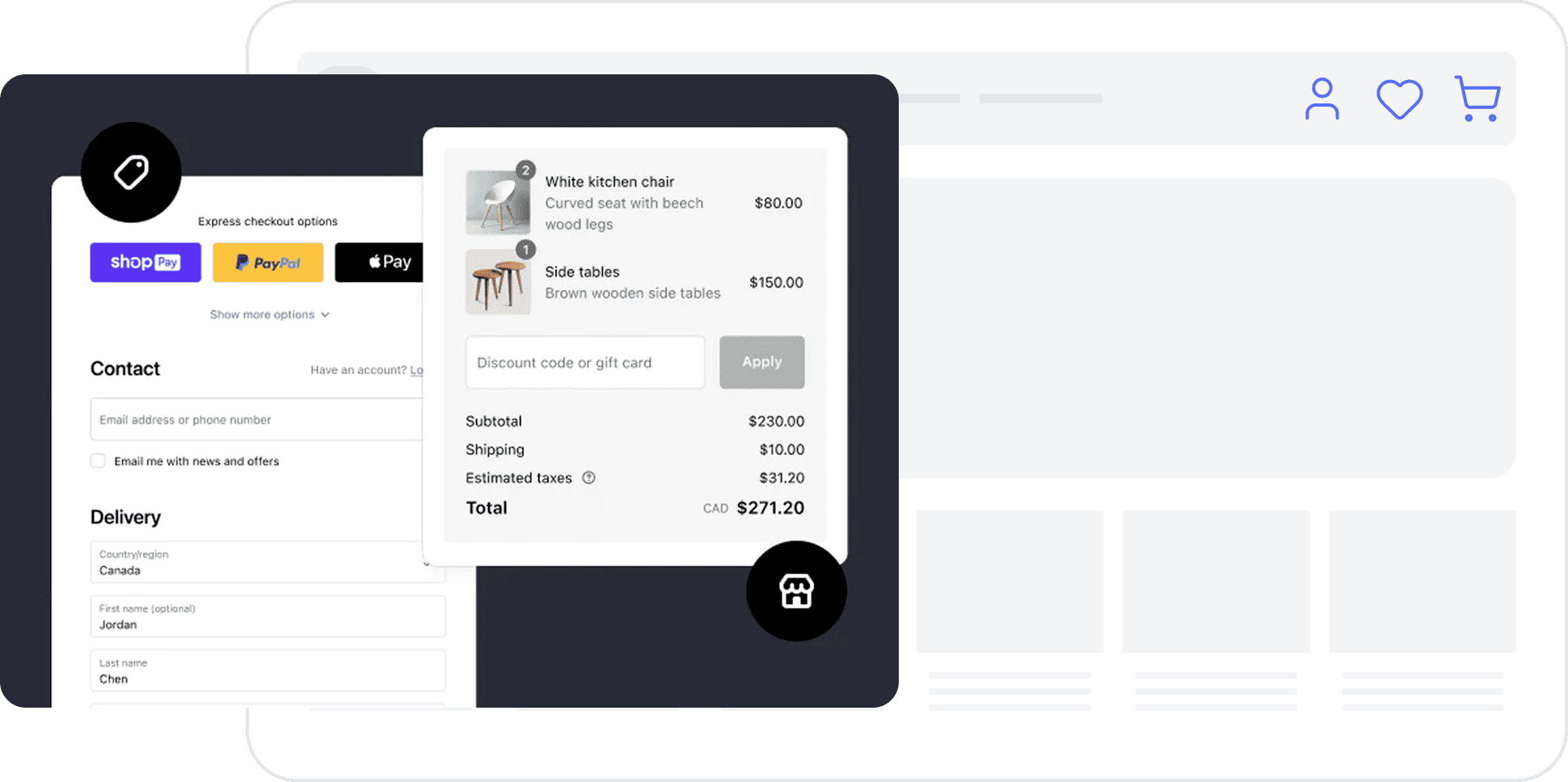
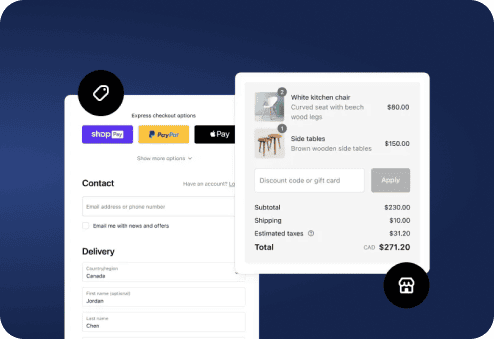
Give shoppers a straightforward path from finding a product to placing an order. Behind the storefront, OSOSS helps you maintain a structured catalog, shape your brand experience, and connect online sales to the systems that run your business.
Super-Fast Browsing with SPA technology
Keep customers moving between products and categories with an SPA-based experience. Navigation feels more continuous because visitors do not need a full page reload for every view.
SEO tools for more discoverable product pages
Organize clear product names, descriptions, and key page information using built-in SEO tools. Give search engines useful context without making promises about rankings.
Advanced search powered by Elastic Search
Help customers find relevant items as your catalog grows. Advanced store search reduces the effort of browsing several categories to reach a specific product.
Powerful Product Filtering & Sorting
Let shoppers narrow products by category, price, and available attributes. Relevant filters help buyers compare the options that matter to them.
Customizable storefronts without coding
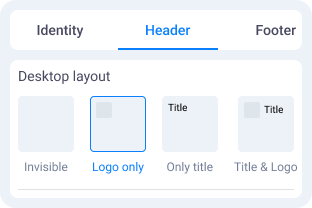
Start with a template, then adapt colors, typography, and layouts to your brand. Present a consistent experience across desktop and mobile, with Arabic and English content.
More control over product and order details
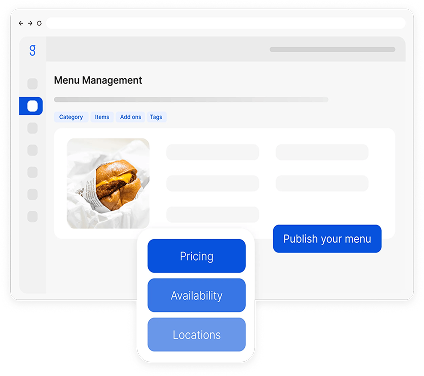
Define product information, attributes, and quantity rules in your store settings. Clear data makes the catalog easier to understand and orders easier to manage.
Backordering when it fits your business
Keep a path to purchase open for selected items even when stock is unavailable, where backordering is enabled. Maintain visibility over product and order status.
Related products that support discovery
Show useful alternatives and complementary products alongside the items people are already viewing. Connect product discovery to the customer’s actual interests.
Upsell and cross-sell recommendations
Use supported product recommendations to introduce a suitable upgrade or a complementary item during the shopping journey. Keep recommendations relevant instead of simply showing more products.
Create your online store and bring your brand into every detail
Choose a storefront that reflects what you sell, prepare your product catalog, and connect the channels and operations your business needs. OSOSS supports Arabic and English storefronts, with customization that does not require coding.
Build a product catalog customers can understand
Organize products into meaningful categories, with useful photos, descriptions, prices, and attributes. Clear product data makes browsing and searching less demanding.
Sell across connected customer touchpoints
Connect your online store to the channels and applications available through OSOSS, including branded mobile apps and retail POS. Keep operational information connected as your reach grows.
Configure the details that matter
Set up your custom domain, page URLs, location fields, customer information, and product quantity rules. Match the buying flow to the way your business operates.
Give customers a place to follow their orders
Customer accounts bring order status, purchase history, and account details into one clear view. Make post-purchase information easier to access without extra back-and-forth.
Start with a storefront that reflects your business, add your products, and set up how you receive orders. OSOSS connects your online store with your business operations, so you can manage more without juggling separate tools.
01
Choose a Design That Fits Your Brand
Choose a ready-made template and customize its colors, typography, and layout without coding. Give shoppers a clear path to your products on desktop and mobile.
02
Add Products and Organize Your Catalog
Add product images, descriptions, categories, and variations. Keep product details and quantities clear, so customers know what they are buying before checkout.
03
Set Up Order Processing
Explore the payment and shipping services available through OSOSS integrations. Set up customer details, delivery areas, and the order flow from checkout to invoicing.
04
Connect Your Domain and Launch
Choose a memorable web address and connect your custom domain. Check your products and checkout experience across devices before welcoming customers.
Store setup goes beyond choosing a theme. Delivery coverage, address fields, customer details, and product attributes all affect how smoothly shoppers can place an order and how easily your team can fulfill it.
Control over available states, provinces, and areas.
Collect the necessary client data.
Dedicate address fields relating to orders and purchases.
Customize the domain name, address, connection data,
Manage orders, payments, and shipping in one connected flow
Track orders from receipt to fulfillment
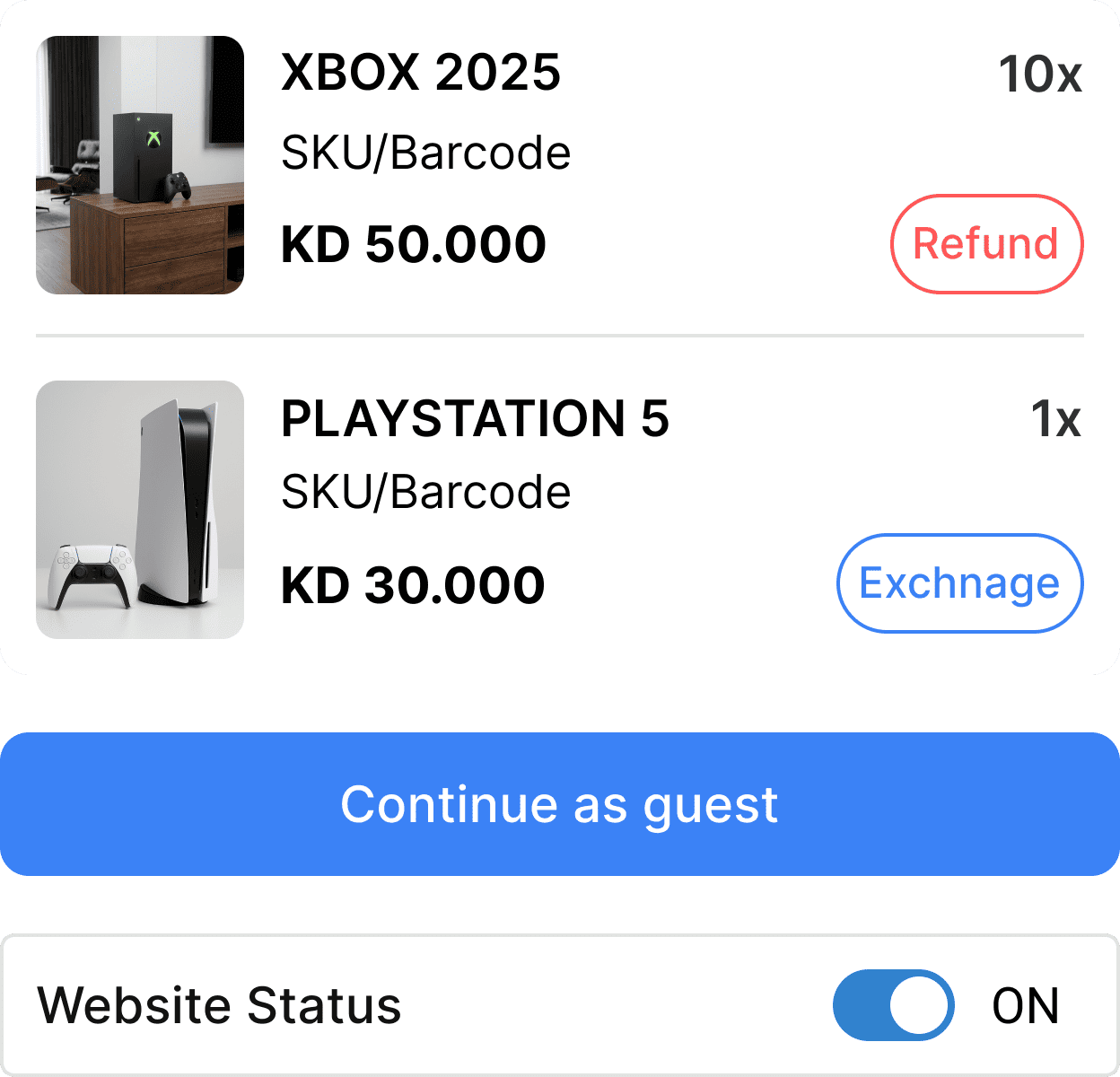
Follow incoming orders through processing, delivery, invoicing, and payment-related steps. Keep the team focused on what needs attention next.
Choose payment integrations for your market
The OSOSS App Marketplace lists options such as MyFatoorah, Tap, and KNET. Confirm availability and activation requirements for your country before choosing a provider.
Configure shipping around real orders
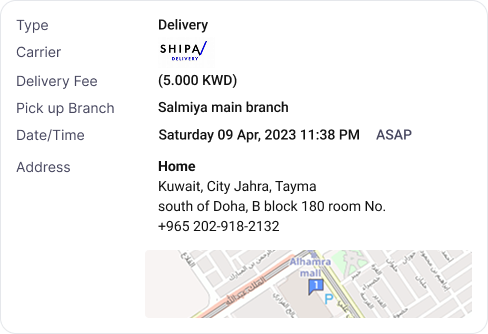
Connect supported shipping services and apply available rate rules, such as fixed, weight-based, or location-based pricing. Give customers clearer delivery expectations.
Give Your Online Store a Domain That Reflects Your Brand
Your store address shapes how customers recognize and remember your brand. Choose a domain that is clear, easy to type, and simple to share instead of relying on a forgettable link.
What to Consider Before Choosing a Domain
Keep It Short and Clear
Choose a name that is easy to pronounce and type and closely matches your brand.
Choose the Right Extension
Compare available extensions such as .com and .net based on your business and audience.
Keep Your Branding Consistent
Use a consistent name across your website and social channels whenever possible.
Test Before You Launch
Check your links and make sure visitors can reach your store before promoting its domain.
See the numbers behind your store and daily operations
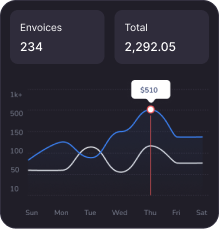
Look beyond individual orders. OSOSS reporting brings together sales, stock movement, financial information, and customer activity so you can make more informed decisions about inventory, campaigns, and growth.
Sales reports
Track sales and orders over time to discover trends and identify your best-selling products.
Stock movement
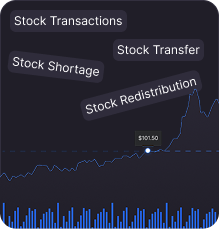
Monitor how sales impact stock levels and make smarter restocking decisions.
Profit tracking
Connect sales reports with accounting and invoicing for a clearer view of your finances.
Customer behavior
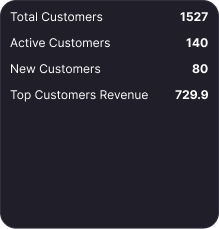
Explore customer and order insights to better understand shopping behavior.
Bring Your Branded Shopping Experience to iOS and Android
Give customers another way to shop through a mobile app that carries your brand. Keep the app experience connected to your storefront, product information, inventory, and orders within the OSOSS ecosystem.
What a Branded Store App Adds
A Consistent Brand Experience
Bring your products and shopping experience to mobile under your own brand.
Mobile-Friendly Shopping
Make it easy to browse categories, explore products, and reach the cart.
Connected Product Information
Keep the products shown in your app connected to inventory information managed in your system.
Order Visibility
Help customers follow their purchases through an experience connected to your store.
Turn store traffic into measurable marketing decisions
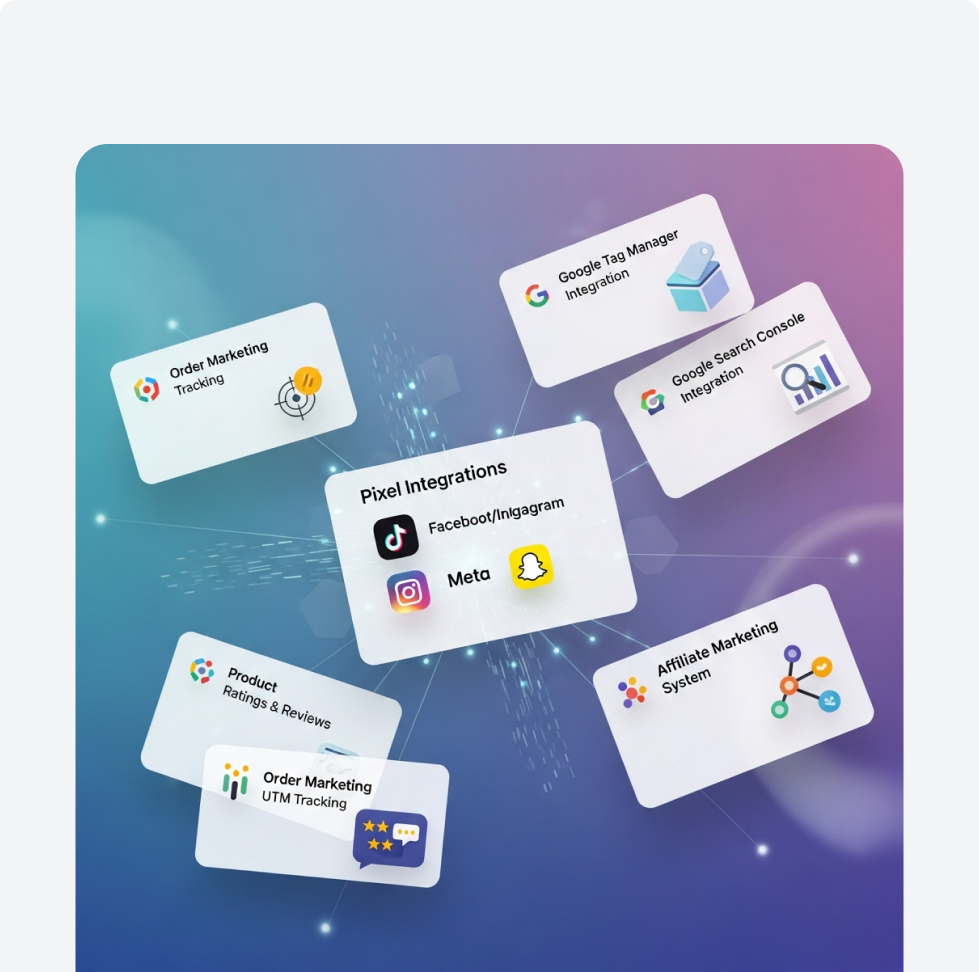
Getting visits is only one part of growing an online store. Use OSOSS marketing and SEO tools to present products more clearly, run targeted activity, and understand which channels bring engaged shoppers.
Use listed email, SMS, and WhatsApp campaign capabilities where configured to share timely offers and updates with your audience.
Use promotional coupons to support a seasonal campaign, introduce a product range, or encourage customers to explore a collection.
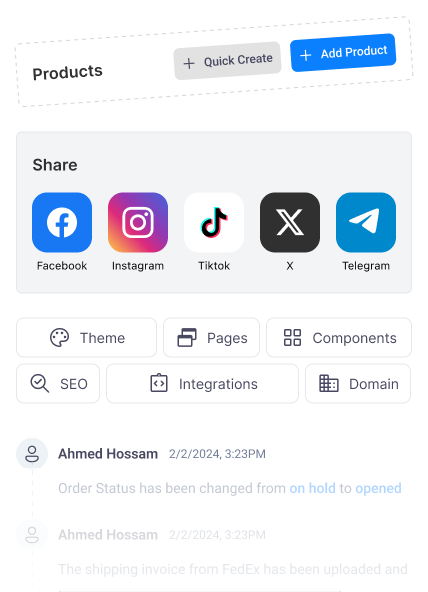
Help shoppers move from social content to the relevant product page rather than leaving them with a picture and no obvious next step.
Let shoppers share their favorite products with friends and followers in just a few clicks. Make it easier for your products to reach new audiences and create more opportunities to attract potential customers.
Use the listed Google Analytics 4 integration to review visits and configured events in your analytics setup.
Improve titles, product descriptions, and page information so customers and search engines understand what you offer. SEO tools do not guarantee rankings.
A great catalog needs more than product listings. Customers also need useful search results and relevant suggestions. OSOSS combines advanced search powered by Elasticsearch with product recommendations to support product discovery throughout the shopping journey.
01
Advanced Catalog Search
Elasticsearch helps shoppers find products across your catalog, especially as your range of products and categories grows. Filtering and sorting make it easier to narrow down results and move from search to selection.
Elastic SearchProduct FiltersSort Results
02
Recommendations That Fit the Shopping Journey
Show products that are similar or complementary to the items customers are viewing. Use upselling and cross-selling recommendations to help shoppers discover relevant options without starting their search again.
Frequently Asked Questions About Creating an Online Store with OSOSS
Find answers about store setup, custom domains, mobile apps, and connected sales operations before choosing the right solution for your business.
01Do I Need Coding Skills to Create an Online Store?+
You do not need to write code to customize OSOSS store templates. Adjust colors, fonts, and layouts, then add and organize your products. Start with our guide to creating a professional online store before setting up your storefront.
02Can I Connect My Own Domain to My Store?+
Yes. OSOSS supports custom store domains. Choose a name that fits your brand, then check its availability and connection requirements before launch. Explore our domain registration and connection options to learn more about the available services.
03Can I Offer My Store in Arabic and English?+
Yes. OSOSS supports Arabic and English storefronts. Prepare clear product descriptions and navigation for each language, so customers can shop in the language that works best for them.
01How Do Online Orders Connect with Inventory and POS?+
OSOSS connects your online store with inventory, point of sale, and accounting within one ecosystem. This helps you keep track of products and orders without transferring information manually between separate systems. Learn about inventory management andpoint of sale
02Can I Connect Payment Gateways and Shipping Services?+
OSOSS offers payment and shipping integrations through its app marketplace. Availability can vary by country and provider, so confirm the services you need before launch. Browse available integrations in the app marketplace
03Can I Launch a Mobile App for My Store?+
Yes. OSOSS offers branded e-commerce apps for iOS and Android, connected to your storefront, products, and orders. Learn more about mobile commerce apps to see which options fit your business.